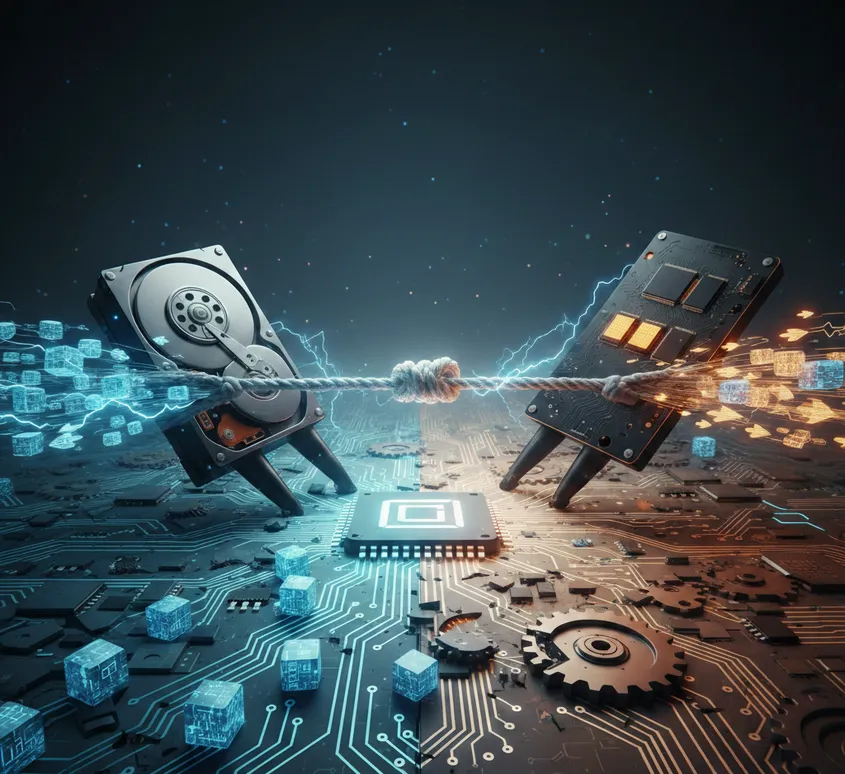
The Digital Tug-of-War
The Digital Tug-of-War: Is Your Computer Stuck in the Slow Lane?
Ever wondered why some computers snap to attention the moment you wiggle the mouse, while others take long enough to boot up that you could realistically whip up a cup of java?
The secret isn’t usually the processor or "the internet." It’s hidden in a small rectangular box tucked inside your machine: The Drive.
Right now, we are living through a changing of the guard between two storage titans: the classic Hard Disk Drive (HDD) and the modern Solid State Drive (SSD). If you’re looking to buy a new PC or speed up an old one, this is the single most important choice you’ll make.
Let’s break down the drama, the history, and which one deserves a home in your tech setup.
The Main Event: Records vs. Rockets
To understand the difference, imagine two very different ways of finding a song:

The HDD is like a Record Player. Inside, there is a physical, magnetic platter that spins at thousands of miles per hour. A tiny "read/write arm" (like a needle) has to physically move back and forth to find your data.
The SSD is like a Smartphone. There are zero moving parts. It uses "Flash memory"—the same stuff in your USB sticks, just much faster. It doesn't "search" for data; it just accesses it instantly using electricity.
The Breakdown: Pros & Cons

A Brief History: From Refrigerators to Pockets
The story of the HDD begins in 1956 with IBM’s RAMAC. It was the size of two refrigerators, weighed over a ton, and could store a whopping... 5MB. That’s about one high-quality photo today! For decades, the HDD shaped our world by allowing businesses to ditch paper stacks for digital databases.
The SSD, however, is the "new kid" that’s actually been around for a while. The technology started appearing in the 70s and 80s, but it was so expensive that only the military and NASA could afford it.
The Impact: The SSD didn't just make computers faster; it made them smaller. Without the need for a bulky spinning disk, engineers were finally able to create the paper-thin laptops and smartphones we carry today. It quite literally shrunk our world.
The Cost of Content in 2026
Even today, there is a "price for performance" gap:

HDDs are the Kings of Bulk. If you need to store 10,000 hours of video, an HDD is your best friend. You can get a massive 8TB drive for a fraction of the cost of an SSD.
SSDs are the Kings of Experience. While prices have dropped, a high-capacity SSD (like 4TB or 8TB) is still a luxury item. You pay for the "privilege" of never having to wait for a loading bar again.
The "Pro" Recommendation: Why Not Both?
You don't actually have to choose! Most savvy users today use a Dual-Drive Setup:
The SSD (The Engine): Use a smaller SSD (500GB or 1TB) to hold your Operating System and your favorite apps. This makes your computer feel brand new and snappy.
The HDD (The Warehouse): Add a large, cheap HDD to store your "cold" data—old photos, movie collections, or backups you don't look at every day.
Pro Tip: If you’re buying a laptop, always go SSD. Because laptops move around, the "needle" in an HDD can easily skip or crash, leading to a total loss of your precious files.
